


CCI Comet is a fully automated Expert Advisor for MetaTrader 5 - CCI pullback re-entry in the trend. Uses the CCI to time pullbacks inside a trend. It is designed for XAUUSD (gold) and also runs on forex majors such as EURUSD and GBPUSD.
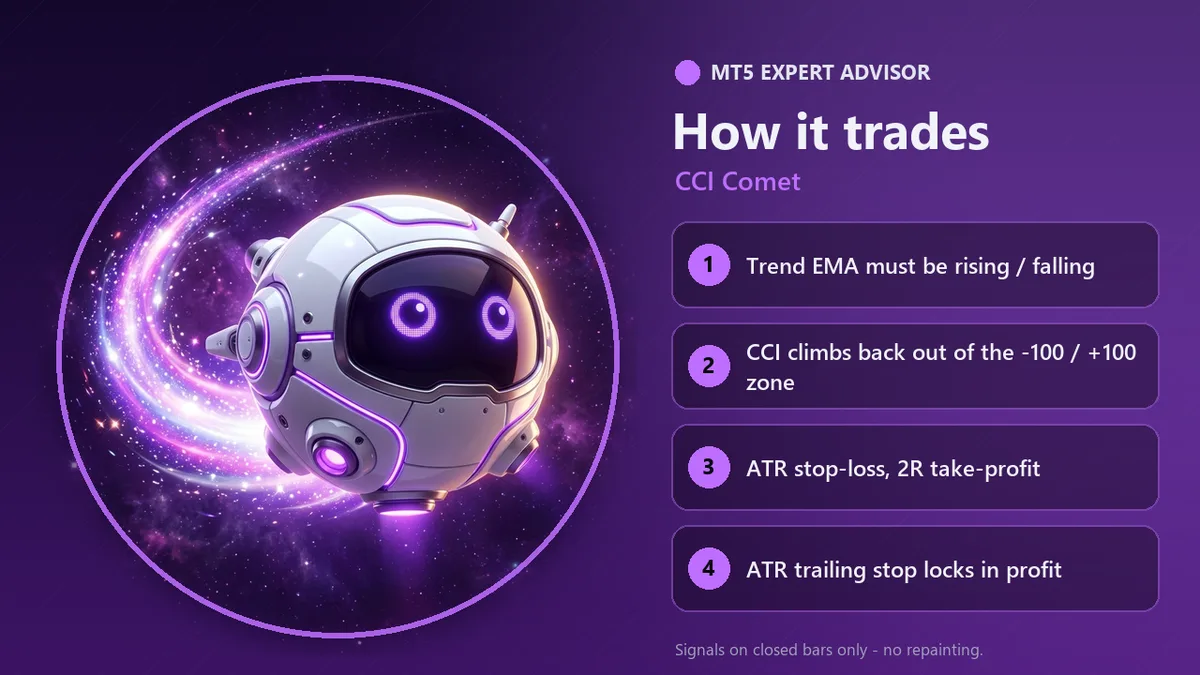
How it trades
- Trend - buys only when price is above a rising trend EMA (default 100), sells only below a falling one.
- Pullback trigger - the CCI (default 20) was below -100 and crosses back above it on the last closed bar for buys; for sells it was above +100 and crosses back below it.
- Stop-loss at an ATR distance (default 1.8 x ATR), take-profit at an R-multiple (default 2R, 0 = none).
- ATR trailing stop - once the trade moves in profit the stop follows price at a set ATR distance (0 = off).
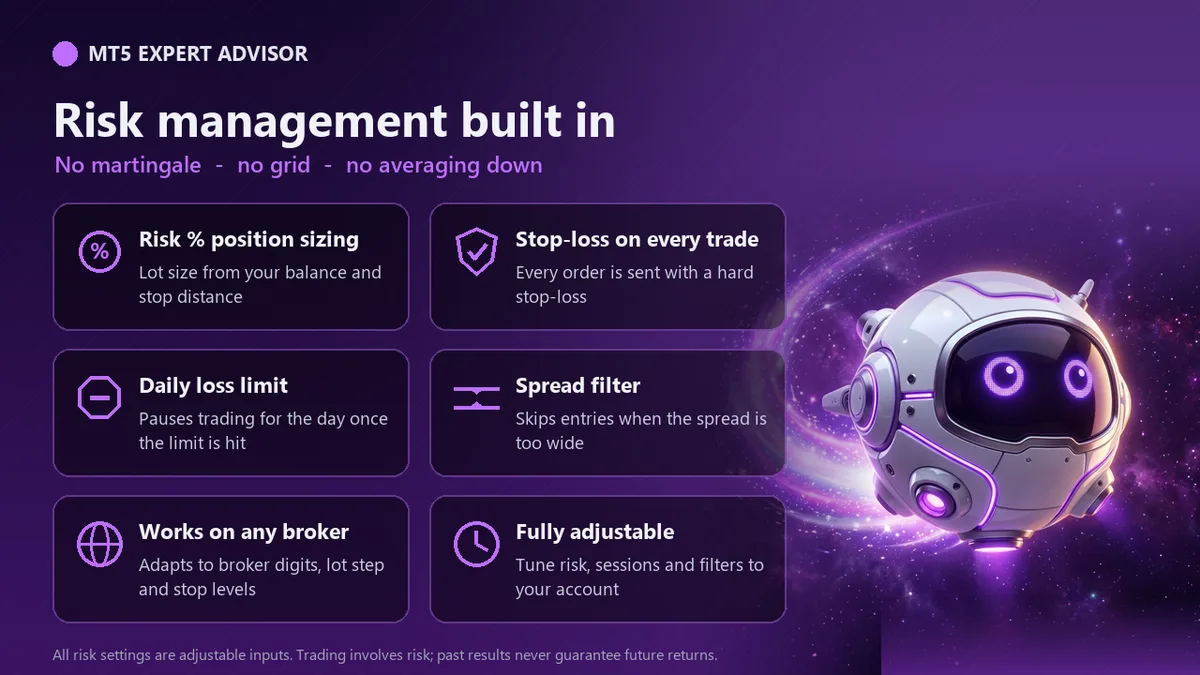
Risk management (built in)
- Every trade is opened with a stop-loss. There is no martingale, no grid and no averaging down.
- Position size from risk % of equity (default 1%) or a fixed lot; lots are normalised to the broker's min / max / step and reduced if free margin is not enough.
- Daily loss limit: no new trades for the rest of the day once equity is down the set % from the day-start equity.
- Max spread filter, optional trading-hours filter, and no orders while the market is closed or trading on the symbol is disabled.
- Stop-loss / take-profit are always placed outside the broker's stops and freeze levels.
- Works on hedging and netting accounts (on netting accounts it opens only when the symbol has no other position).
- One position at a time per magic number; signals are evaluated once per closed bar (no repainting).
Inputs and default settings
| Input | Default |
|---|---|
| Signal timeframe | H1 |
| CCI period | 20 |
| CCI zone level (+/-) | 100.0 |
| Trend EMA period | 100 |
| ATR period | 14 |
| Stop-loss distance (x ATR) | 1.8 |
| Take-profit (R multiple, 0 = none) | 2.0 |
| ATR trailing distance (0 = off) | 2.5 |
| Risk per trade (% of equity), used when Fixed lot = 0 | 1.0 |
| Fixed lot (0 = size from risk %) | 0.0 |
| Maximum lot per trade (0 = broker maximum) | 10.0 |
| Daily loss limit (% of day-start equity, 0 = off) | 3.0 |
| Max spread (points, 2-digit gold scale: 100 = 1.00 USD; 0 = off) | 50 |
| Max slippage (points, same scale) | 30 |
| Trade only inside the hours below | false |
| Trading start hour (server time, 0-23) | 1 |
| Trading end hour (server time, 0-23) | 22 |
| Show status panel on the chart | true |
| Magic number (change it to run several instances on one symbol) | 26102207 |
Recommended setup
- Symbol / timeframe: XAUUSD on the default timeframe shown above; also forex majors. Test other timeframes in the Strategy Tester first.
- Account: hedging or netting, any deposit that allows the broker's minimum lot with a sensible risk %.
- VPS: recommended for uninterrupted operation.
Honest notes
- No trading system can guarantee profit. Past performance, in the tester or live, does not guarantee future results.
- Always test the EA in the MetaTrader 5 Strategy Tester and then on a demo account before using real money, with your broker's own data and spread.
- Hours are in your broker's server time.
- Start with a low risk % and use money you can afford to lose.
Plan your risk before you run it
- Check the lot the EA will use for your balance and stop with the XAUUSD lot size calculator and the margin calculator.
- Compare targets and stops with the risk reward calculator.
- How to Set a Stop Loss on Gold (ATR Method)
- Best Timeframe for Gold Trading: Pros and Cons
FAQ
What CCI settings are used?
CCI period 20 and a zone level of 100 by default, with a 100-period trend EMA. All of them are inputs.
Is there a free demo?
Yes. Every MQL5 Market product has a free demo that runs in the MetaTrader 5 Strategy Tester, so you can test it on your broker's own data before buying.
Does it use martingale, grid or averaging down?
No. Every position is opened with a stop-loss, the lot size comes from your risk % (or a fixed lot), and there is a daily loss limit.
Which broker and account do I need?
Any MetaTrader 5 broker that offers XAUUSD, on a hedging or netting account. A low-spread account and a VPS for 24/5 operation are recommended.
Can this EA guarantee profits?
No. No trading system wins every trade, and backtest or past results do not guarantee future results. Start on a demo account with the default risk.
Trading gold, forex and CFDs is high risk and you can lose your capital. This page is for information only and is not investment advice. Illustrations are not trading results.